Brutkey
📜
Timeline
📣
Announcements
🖼
️ Galleries
🔍
Search
📝
Create
☁
️ Drive
🔔
Notifications
🐱
Me
⚙
️ Settings
🔒
Login
📥
Download
🏷
️ ID
afqg7l034dw50726
📛
Name
Screenshot_20251201_092325_Firefox Beta.png.webp
📆
Created At
2025-12-01T08:25:24.243Z
🐱
Uploaded By
ab6w303m0b9s008z
💱
Type
image/webp
🌡
️ Size
129660
⛓
️ MD5
44acca06a68035c29aa764b21ae6a945
📜
Alt Text / Comment
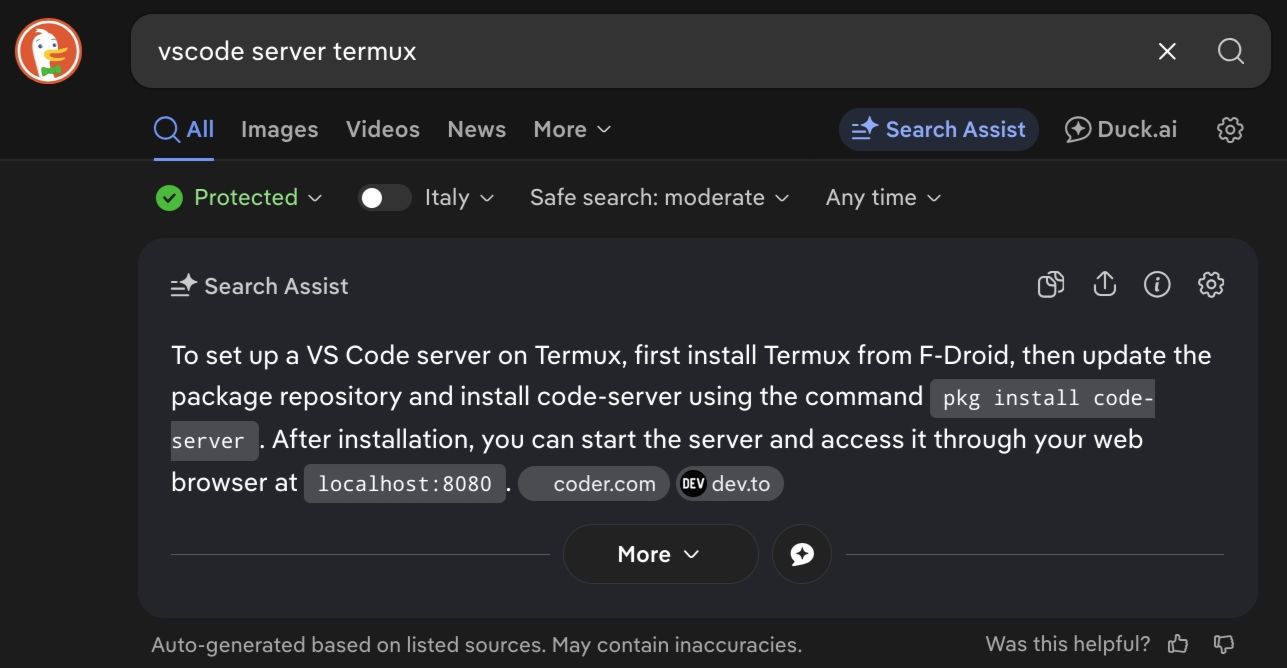
ricerca per "vscode server termux" Risposta IA: To set up a VS Code server on Termux, first install Termux from F-Droid, then update the package repository and install code-server using the command pkg install code-server. After installation, you can start the server and access it through your web browser at localhost:8080. coder.com dev.to
🗒
️ Attached To
/notes/afqgfs0j4dw50727